How to turn on service mode#
Updated October 14, 2026
Service mode temporarily turns off all security functions. Turn it on when you leave your car at a service station, a car wash or with another driver: then you don't have to hand over the AirID tag or share your PIN code.
By default, service mode turns off by itself after the car has driven 10 km. You can turn this off in the app:  Car → Advanced settings → Automatic service mode exit.
In the app#
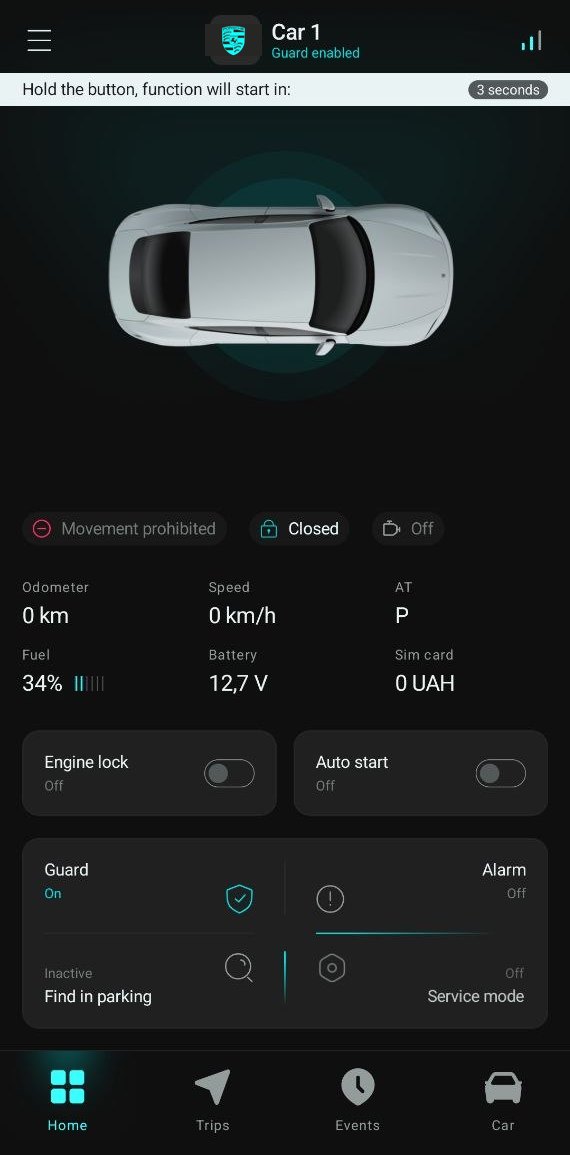
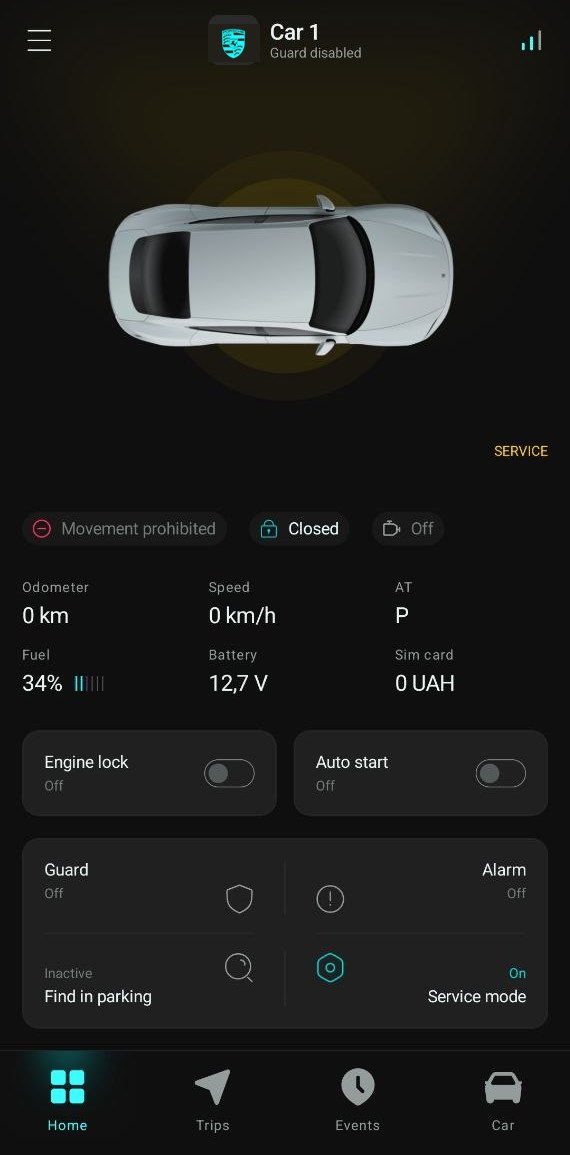
On the main screen, tap and hold the  Service mode button until the countdown at the top of the screen ends. The glow around the car turns yellow and your phone gets a Service mode enabled notification.
To turn the mode off, tap and hold the button the same way.
With the Service button#
The Service button is one of the car's standard buttons, assigned by the installer. Ask your installer which one it is.
- Start the engine and authorize with an AirID tag or a PIN code. Wait for the authorization tune.
- Within 5 seconds, press the Service button 6 times. Each press is followed by a beep.
- The security system confirms the change:
| Signals | Result |
|---|---|
| 1 short beep, then the authorization tune | Service mode is on |
| 2 short beeps, then the authorization tune | Service mode is off |
Each time service mode turns on or off, you get a notification in the app.