How to reset your password#
Updated October 14, 2026
If you've forgotten your Gardix app password, set a new one. You need access to the email and phone linked to your account.
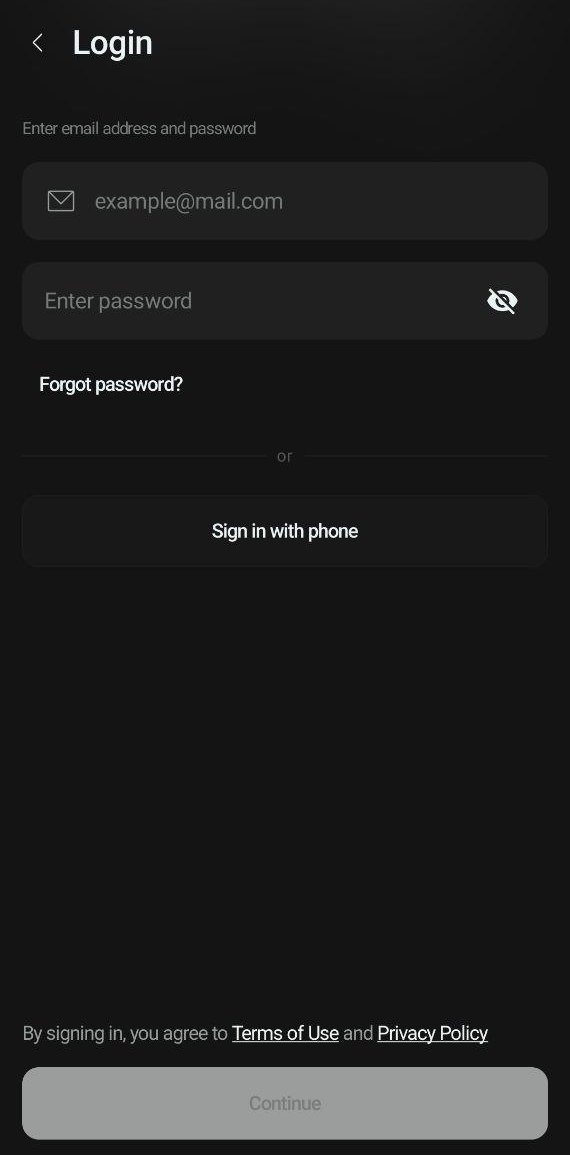
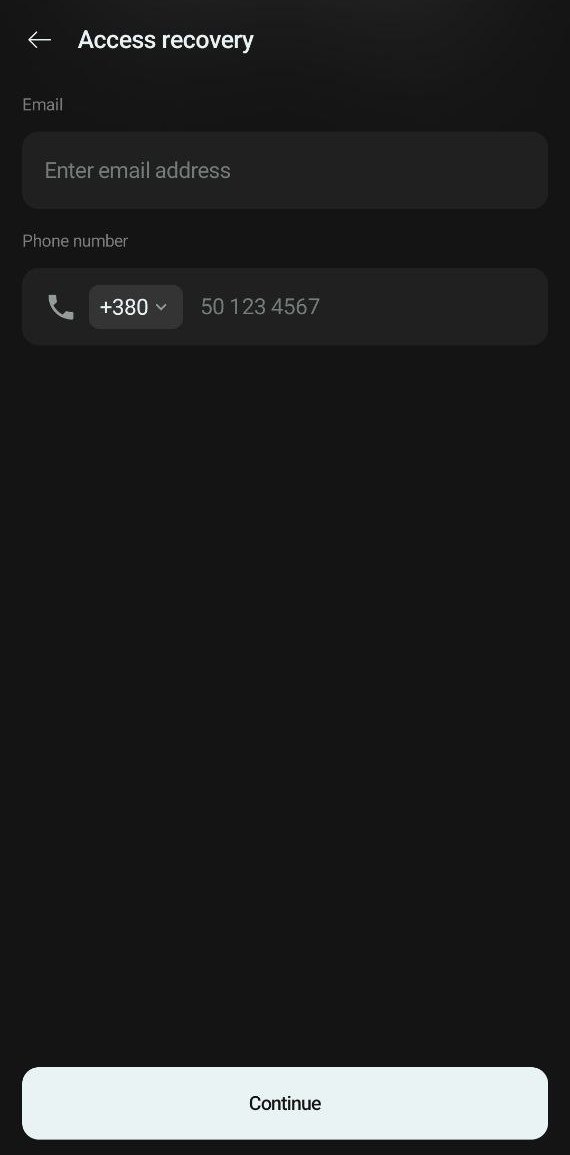
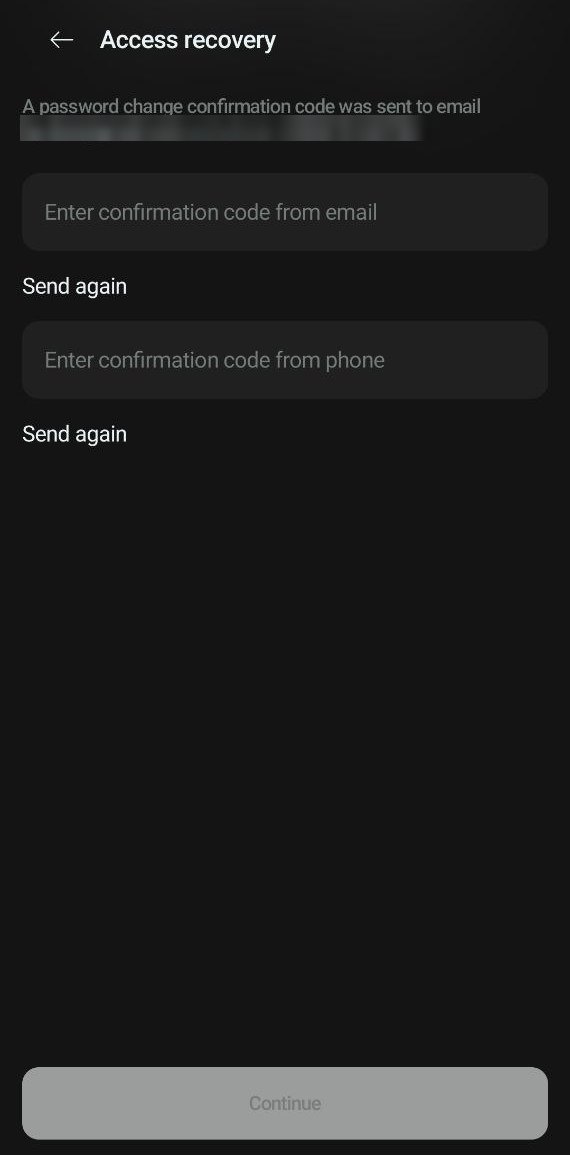
To reset your password:
- On the start screen, tap Login, then Forgot password?
- Enter your account's email and phone number. Tap Continue.
- Enter the two verification codes: from the email and from the text message. If a code hasn't arrived, tap Send again.
- Set a new password and enter it again. The password must contain at least 8 characters, uppercase and lowercase letters, a digit and a special character.
Then log in with your new password.
Remember your password but want to change it?
Open  → Security → Change password, and enter your current password and a new one.
If you've lost access to your email or phone number, contact our support team: +380 44 365 0 911, support@gardix.systems.